
installer operations
A practical solar project workflow from lead to handover
A stage-by-stage framework for keeping customer, site, design, and delivery information connected throughout a solar project.
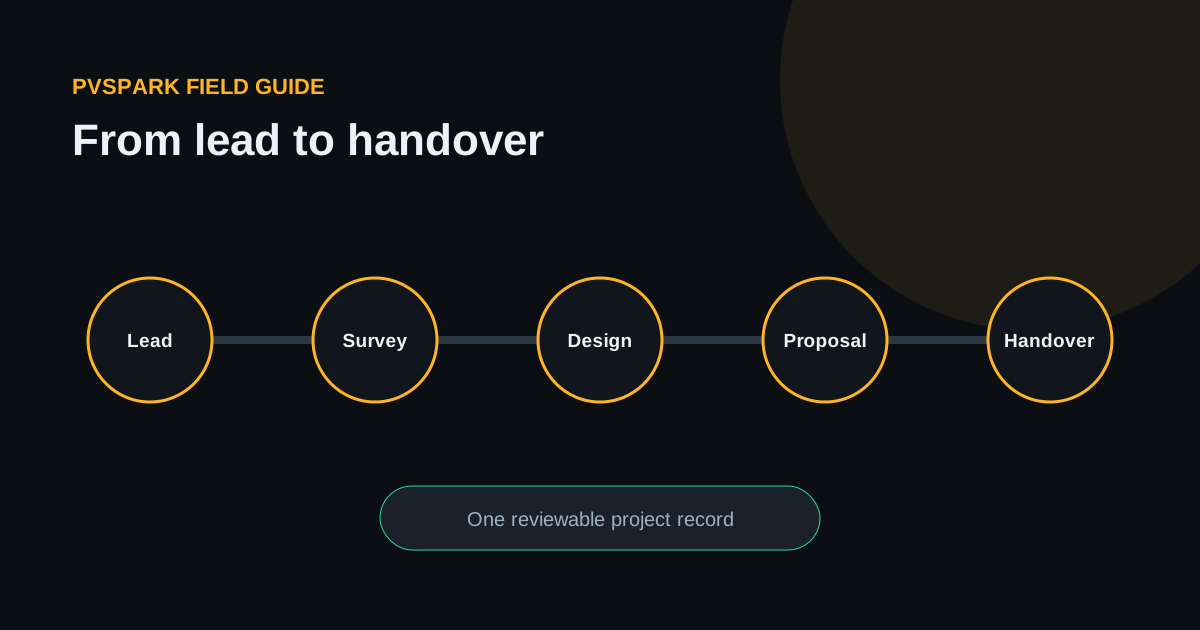
A solar project rarely fails because nobody created a spreadsheet or sent a message. It fails when an important fact does not reach the person who needs it, the latest decision is unclear, or an assumption quietly becomes treated as a confirmed site condition.
A useful workflow therefore does more than divide work into stages. It defines what each stage must establish, what evidence moves forward, who reviews it, and what remains uncertain.
1. Qualify the opportunity
Qualification should establish whether the opportunity deserves site and design effort. Capture the customer and site, service area, project type, expected scale, decision stage, known electrical context, and the next owner.
Avoid collecting every possible detail. The goal is a sufficiently structured decision: progress, hold, or close. If the opportunity progresses, the project should inherit the information instead of asking another team to re-enter it.
2. Prepare and complete the site survey
The survey connects commercial intent to physical reality. A repeatable survey can cover:
- access and safety observations;
- roof, ground, or mounting context;
- dimensions and obstructions;
- electrical service and equipment locations;
- cable-routing considerations;
- shading sources and surrounding features;
- photographs or other evidence with clear context;
- unanswered questions requiring follow-up.
Evidence should remain attached to the project and section it supports. A folder of unlabelled photographs is not a survey record.
3. Build a reviewable design
Design work turns site context into geometry, layout, system choices, and explicit assumptions. The designer should be able to distinguish measured facts, provider imagery, inferred geometry, automated suggestions, and manual edits.
Named revisions are useful at genuine review points: initial concept, post-survey update, customer-approved layout, or construction review. They should not replace ordinary autosave or create a new “revision” for every small movement.
4. Analyse performance and uncertainty
An energy estimate depends on location, weather data, orientation, equipment, losses, shading, availability, and modelling choices. The workflow should keep those inputs visible with the result.
P50 and P90 values communicate different probability levels under the model and uncertainty assumptions. They are not guarantees of future production. When assumptions change, the result must be recalculated rather than copied forward.
5. Prepare the customer proposal
A proposal should explain the recommended system, the basis of the estimate, key commercial assumptions, exclusions, and the next decision. It should not quietly upgrade preliminary measurements or modelled results into certified facts.
The strongest proposal workflow reuses reviewed project information and makes stale inputs visible. This reduces manual copying while keeping a responsible review step.
6. Produce engineering and delivery outputs
Single-line diagrams, CAD exports, bills of material, installation notes, and handover records need an identifiable project and design basis. Generated outputs accelerate work, but site conditions, equipment instructions, applicable codes, and professional review remain authoritative.
7. Close the feedback loop
Delivery should improve the next project. Record which assumptions were wrong, which survey details were missing, which proposal questions repeated, and where installers changed the intended design.
The objective is not perfect process compliance. It is a shorter path from reality to a reviewable decision, with less information lost at every handoff.